# ResourceFileSystem: A CLI Utility for file operations in Source Engine.
Table of Contents
resourcefilesystem.exe is a command-line tool that exposes the filesystem_batch.dll API directly to the user. Copy, move, delete, and inspect files and directories using glob patterns — from the command line, with no code required.
It is invoked like any other Source tool:
resourcefilesystem.exe <glob_pattern> <destination> -game "C:/Games/MyMod/mygame"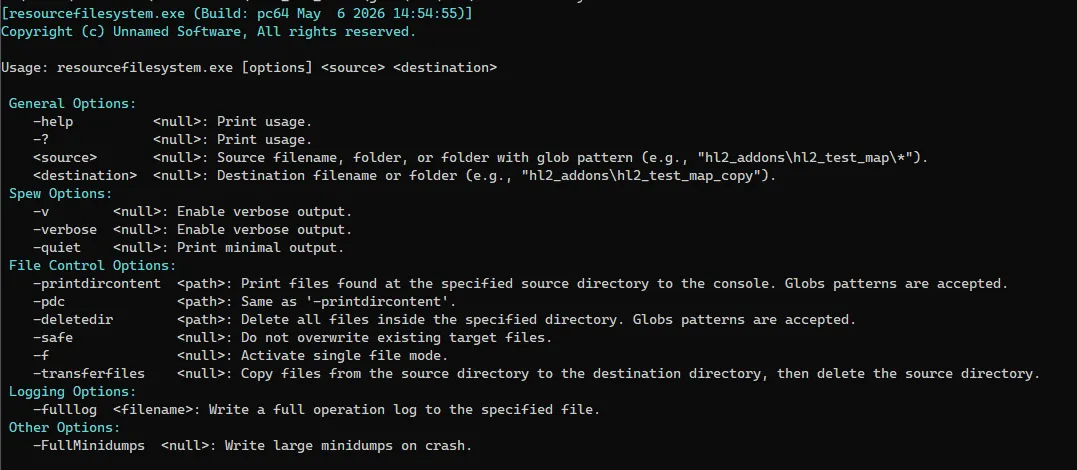
What it does
The tool wraps IFileSystemBatch into a CLI with four main operation modes:
- Copy — copies all files matching a glob pattern to a destination directory
- Transfer — copies then deletes the source (move semantics)
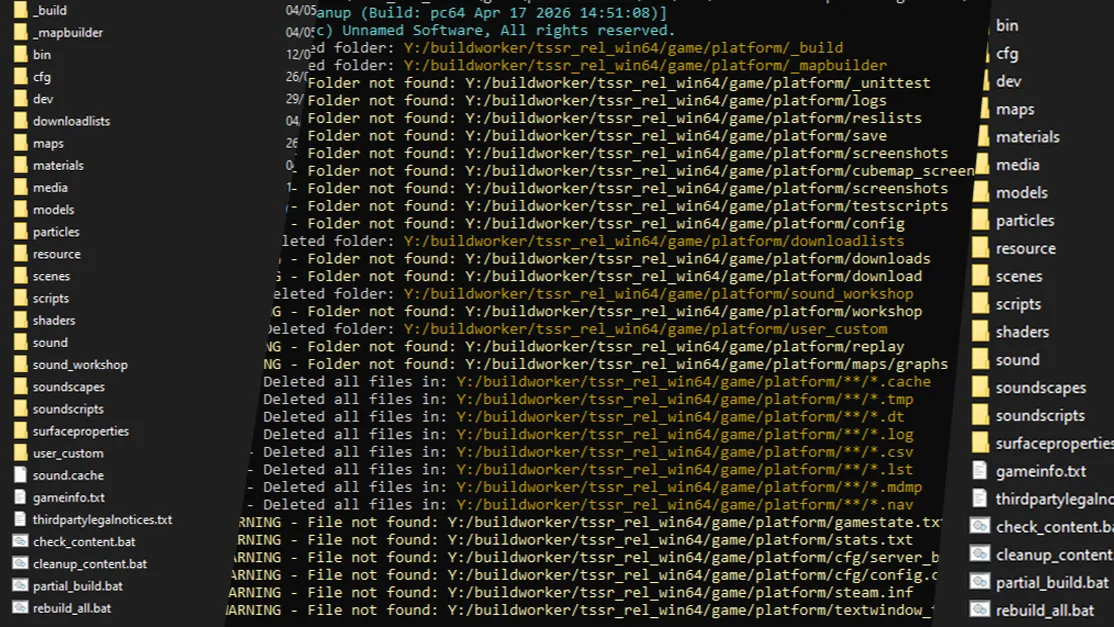
- Delete — removes a directory recursively with
-deletedir - Inspect — lists all files matching a glob pattern with
-printdircontent
Single file mode -f is also supported for when you don’t need glob matching.
Implementation
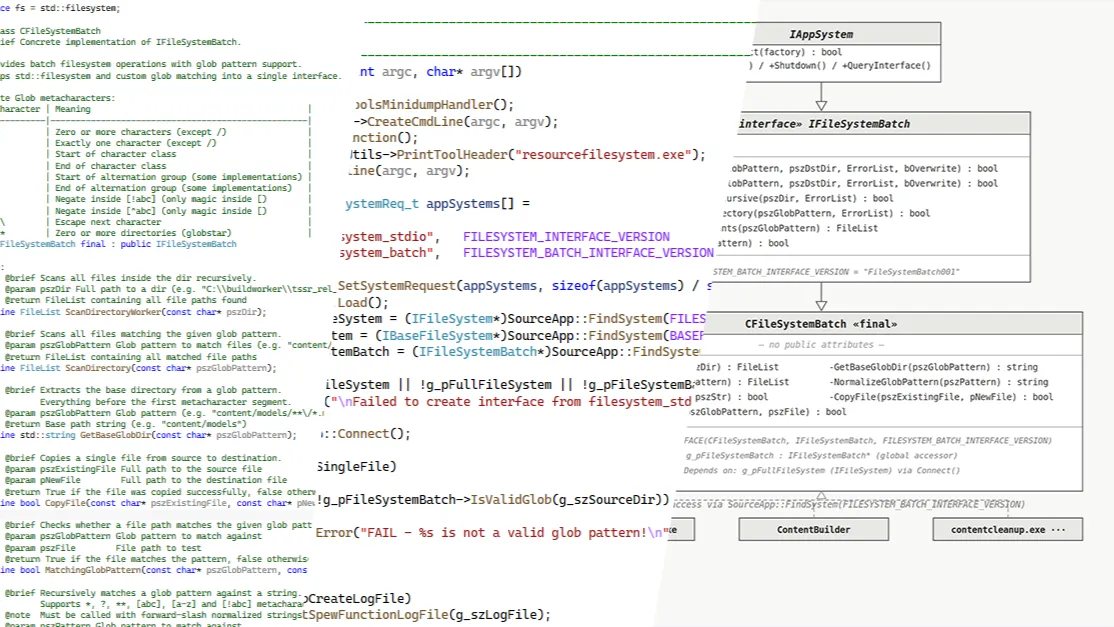
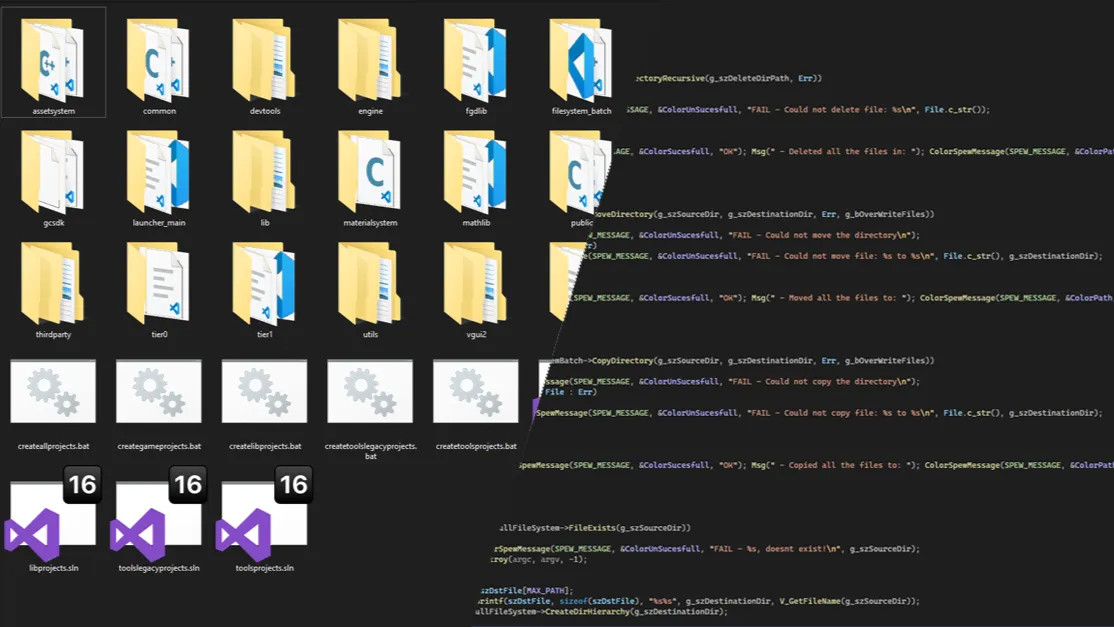
All batch operations delegate directly to IFileSystemBatch. The tool itself is thin — it parses the command line, validates the glob pattern via IsValidGlob() before doing anything, and dispatches to the right operation. Error reporting is per-file: failed operations are collected into a FileList and printed at the end without aborting the run.
One detail worth noting: incompatible flag combinations (e.g. -deletedir with -transferfiles) are caught early with explicit sanity checks before any filesystem operation runs.
Design references
- IFileSystemBatch: filesystem_batch.dll article
- Glob Pattern: https://www.malikbrowne.com/blog/a-beginners-guide-glob-patterns/
Example in action
- Inspect what’s inside a directory:
resourcefilesystem.exe -pdc "platform/**/*.vtf"
- Copy all .vtf textures from content to game directory:
resourcefilesystem.exe "platform/**/*.vtf" "D:/Downloads/test"
- Move build output and delete source:
resourcefilesystem.exe -transferfiles "D:/Downloads/test/**/*" "D:/Downloads/test2"
Part of an ongoing series on the custom Source Engine tooling I’m building for my game. More tools and systems coming.