# ContentWatch: Recompiling assets the moment a source file changes
Table of Contents
ContentBuilder answers “is the whole game up to date” and ResourceCompiler answers “compile this one file I’m naming” — but neither answers “keep compiling whatever I just changed, right now, while I’m working.” That gap is a real cost during iteration: an artist tweaking a texture shouldn’t have to alt-tab to a terminal and retype a compile command every time they hit save.
ContentWatch is a small utility that sits on a content directory and does exactly that.
contentwatch.exe -game "C:/Games/MyMod/mygame"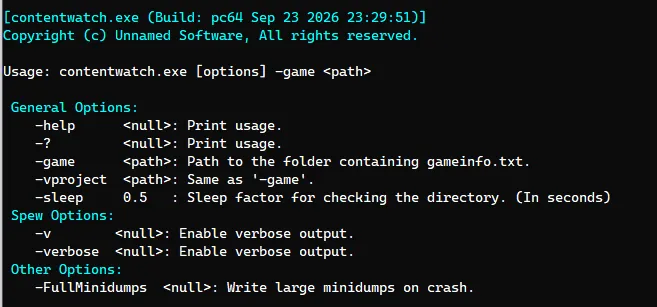
A narrower cache than ContentBuilder’s
ContentBuilder seeds its asset cache with everything assetsystem knows about, across every asset type it can find. ContentWatch is scoped tighter — it only caches what’s actually under the target game’s content directory, via AddFilesFromDirToTheCache(), then hands that same directory to a recursive file watcher (filewatch::FileWatch<std::string>) instead of polling it on a loop.
One callback, five event types
The watcher’s callback receives a filewatch::Event for everything that happens under the content tree — added, removed, modified, renamed_old, renamed_new — and routes each one:
| Event | What happens |
|---|---|
added / modified / renamed_old / renamed_new | CompileWatchAsset() — recompile it |
removed | drop it from the asset cache (ClearFileInCache), no compile |
Two kinds of paths get filtered out before any of that: directories (the watcher fires on folders too, but there’s nothing to compile), and anything containing _vmtbuilder or _vftbuilder — the temp folders MaterialBuilder creates and deletes mid-compile. Without that filter, MaterialBuilder writing its own intermediate files while compiling a texture would itself trigger a change event, which would start another compile, which would write more temp files — ContentWatch reacting to its own compiler’s side effects. The check is just a substring match on the folder name, not something the watcher’s OS-level API filters for it.
Guard checks before spending a compile
CompileWatchAsset() looks at GetSyncStatus() before doing anything: already ASSET_SYNC_IN_SYNC just logs and returns, ASSET_SYNC_MISSING_BOTH / ASSET_SYNC_MISSING_SOURCE logs that it can’t be compiled and returns, ASSET_SYNC_UNKNOWN does the same. Only an asset that’s actually out of date and has a known, compilable state reaches the point of building a command line:
resourcecompiler.exe -game "<gamedir>" "<source asset path>"The watcher’s callback blocks on that one compile before it’s ready to process the next file system event — there’s no task queue or thread pool here the way ContentBuilder has one. For a single artist saving a single file, that’s the right tradeoff: reacting to one change at a time, in order, is simpler and exactly as fast as it needs to be. A short sleep (-sleep, tenths of a second, applied after every handled event) debounces the callback so a single save that fires multiple file system events in quick succession doesn’t queue up redundant compiles.
Why this matters for a pipeline
ContentBuilder and ContentWatch cover opposite ends of the same problem. ContentBuilder is the deliberate, from-scratch pass across everything, run before a build ships. ContentWatch is the background process an artist and tooling (like assetbrowser) leaves running while they work, so the round trip from “changed a source file” to “see the compiled result” doesn’t require typing its command line by hand.
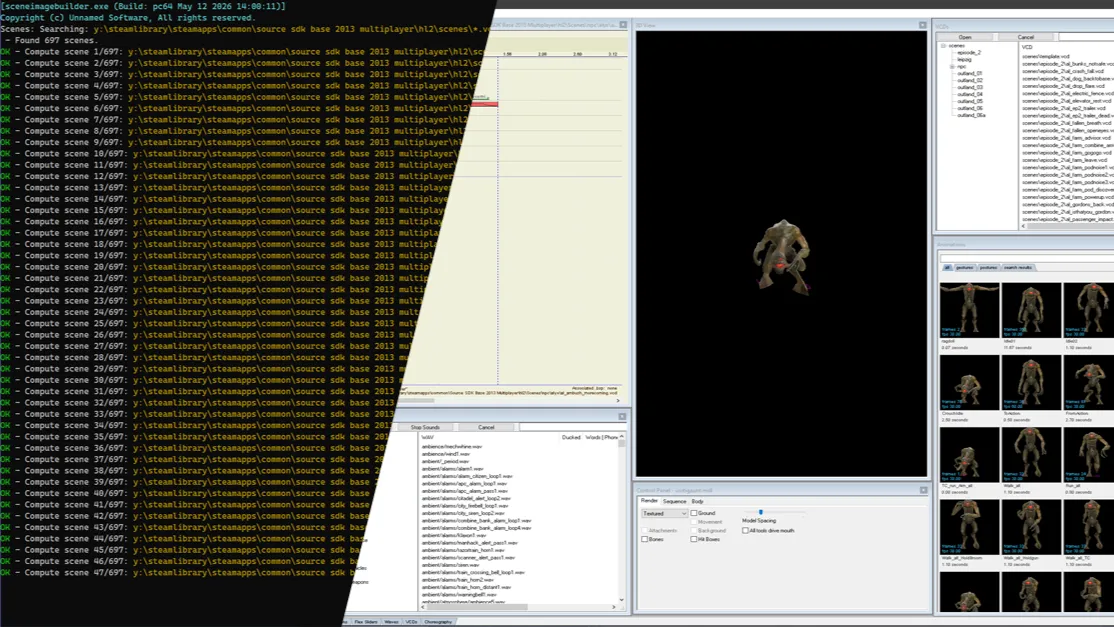
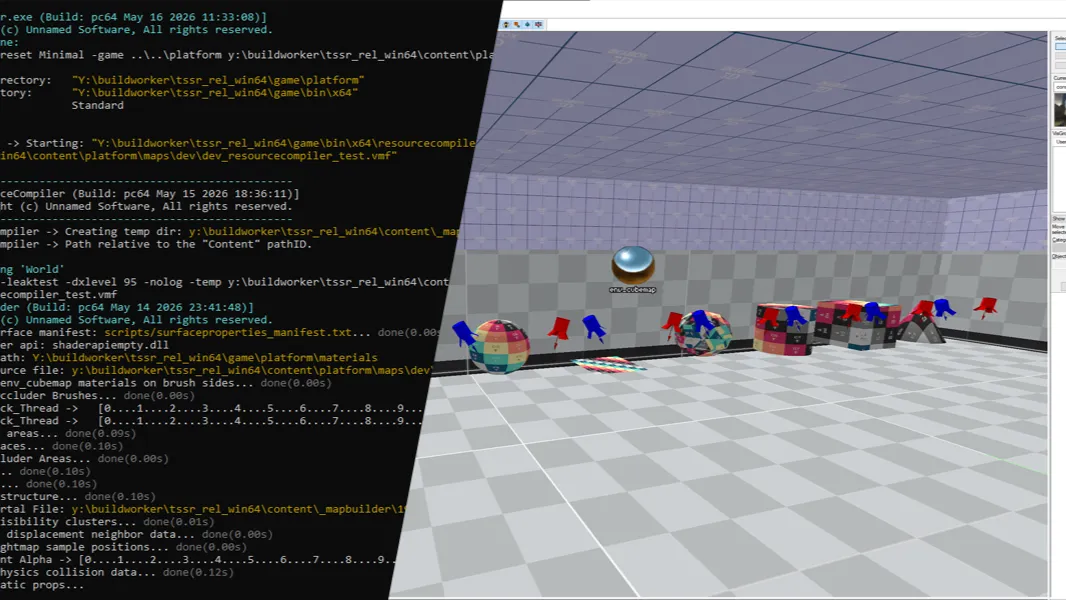
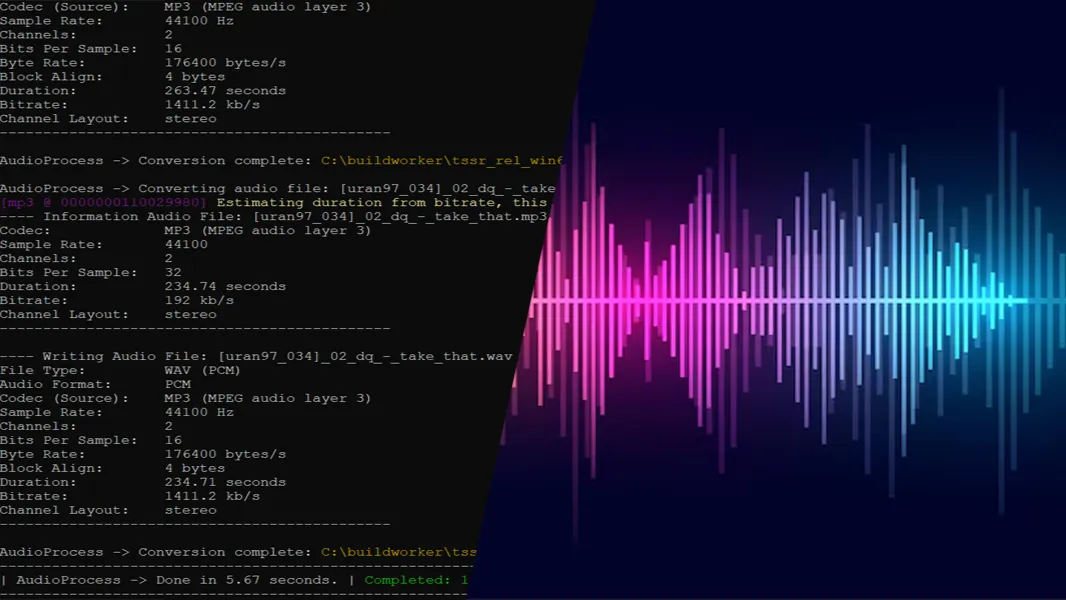
Example in action
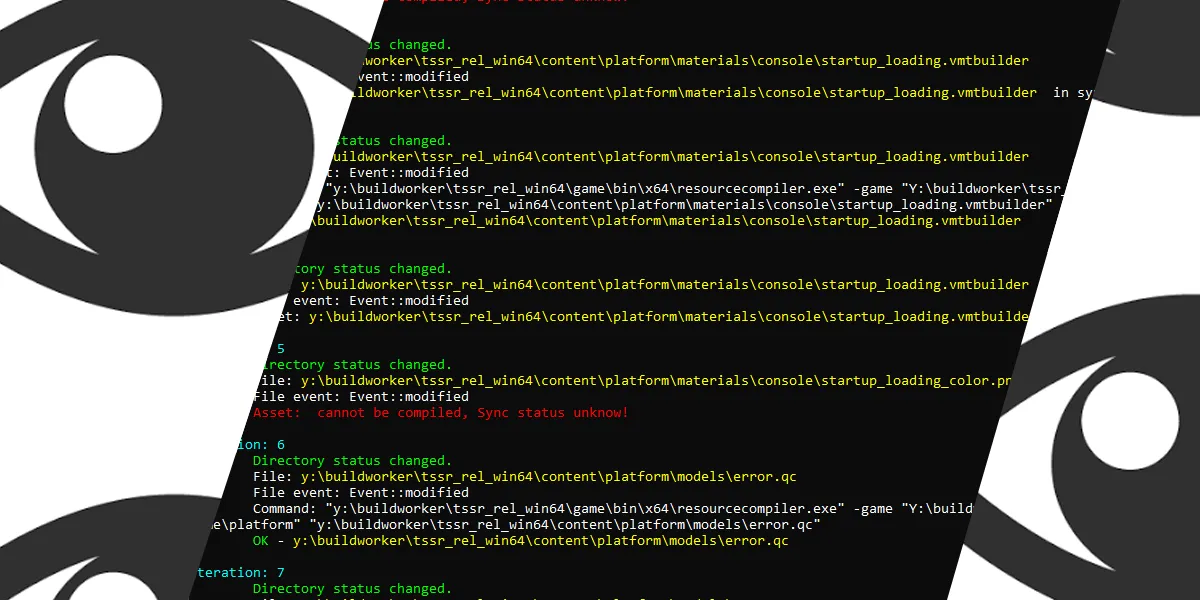
Showcase of the automatic compiles:
Part of an ongoing series on the custom Source Engine tooling I’m building for my game. More tools and systems coming.